Closed test · Android
Help test Canopy AI before launch.
Canopy AI is in its last stretch before Google Play. Google asks a new app to be tested by real people for two weeks before it can be released to everyone — and we'd like those people to be gardeners.
What we ask
- An Android phone with the Play Store, and a Google (Gmail) account.
- Keep Canopy AI installed for at least 14 days — Google counts every day you stay opted in.
- Use it on your own garden: draw a bed, plan a crop, record what you do.
- Tell us what breaks or confuses you. A sentence is plenty.
What you get
- Canopy AI before anyone else, on your own garden.
- Pro's planning features free for your account's first 60 days, like every new account.
- A direct line to the person building it — what you report gets read and fixed.
What you'd be testing
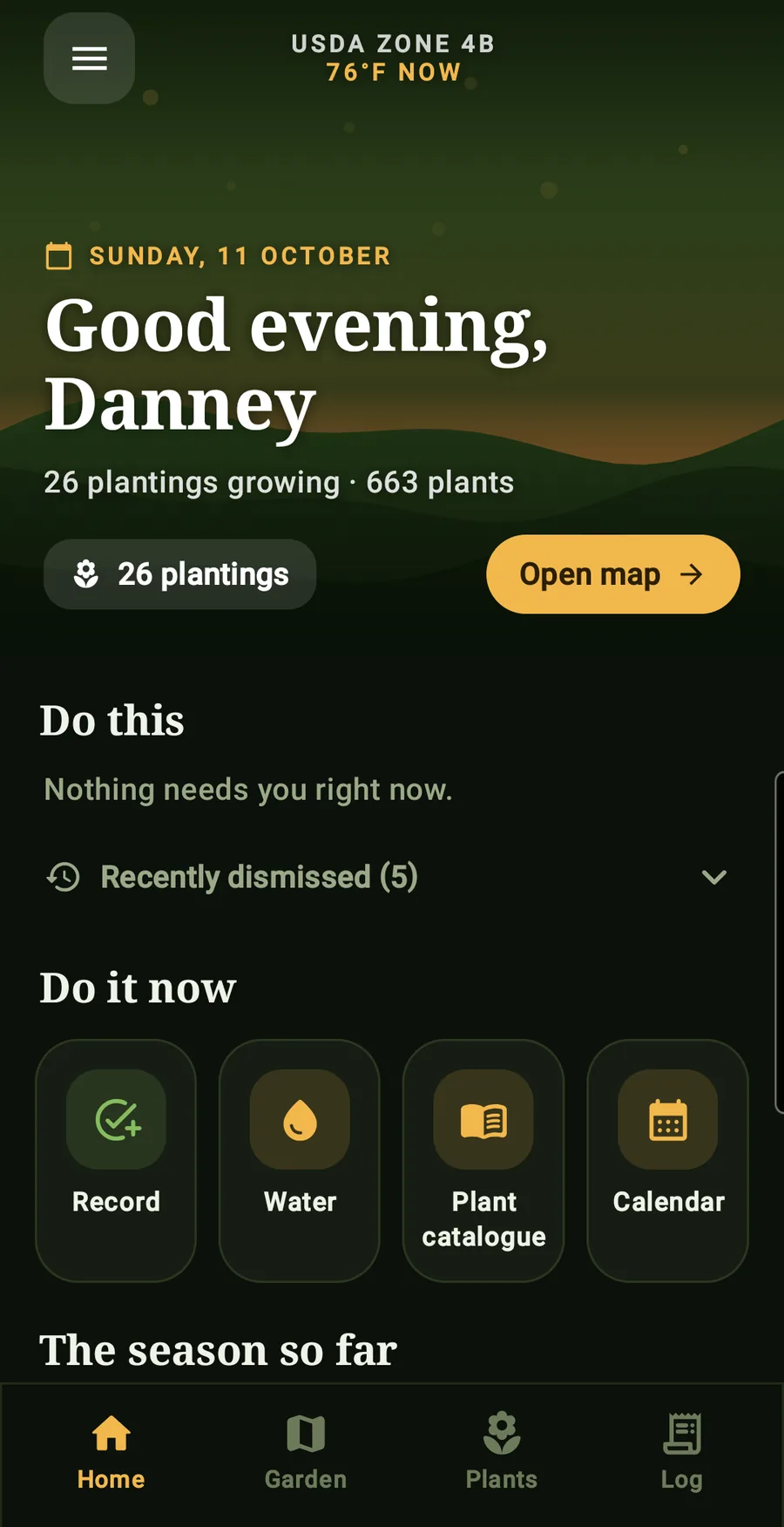
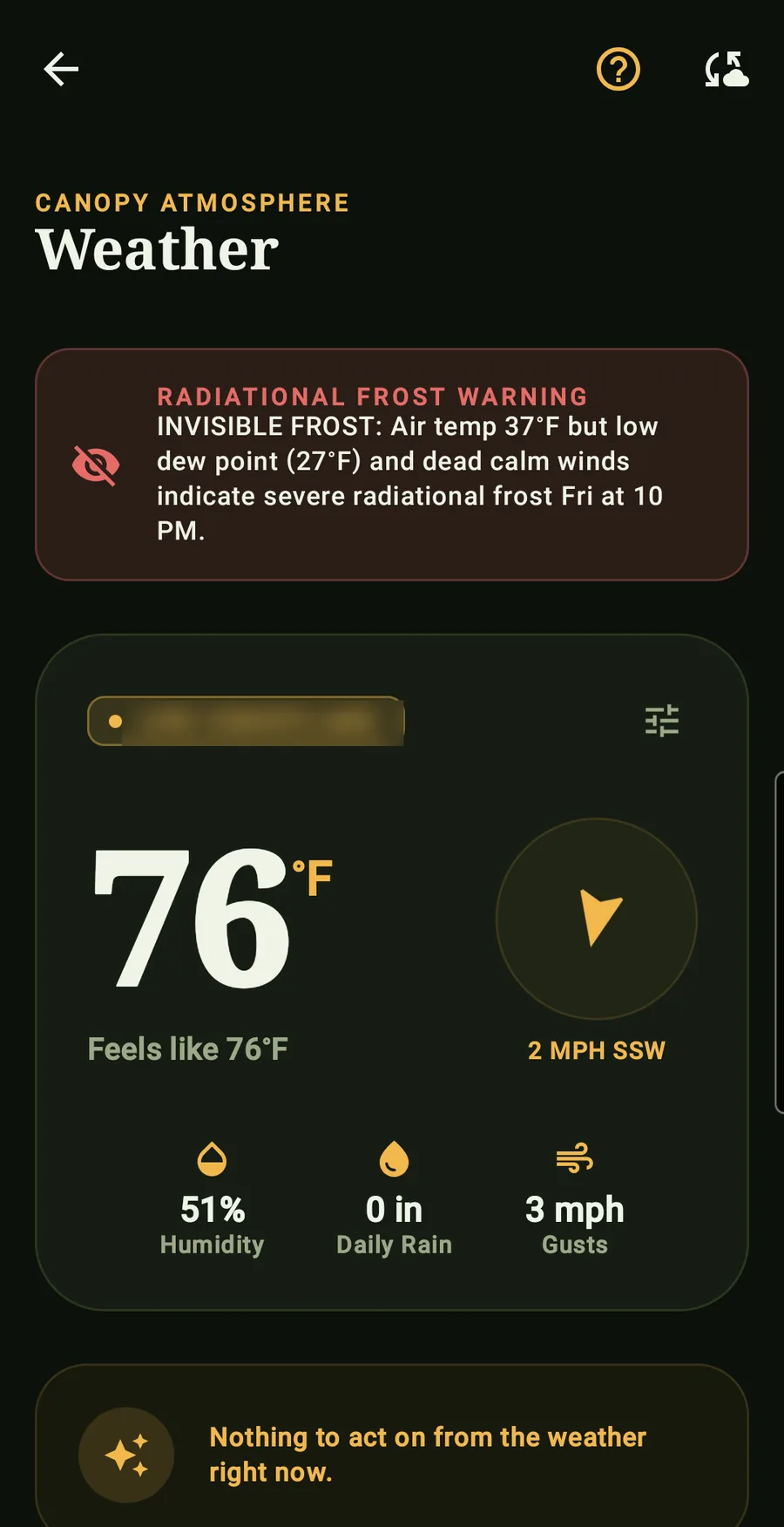
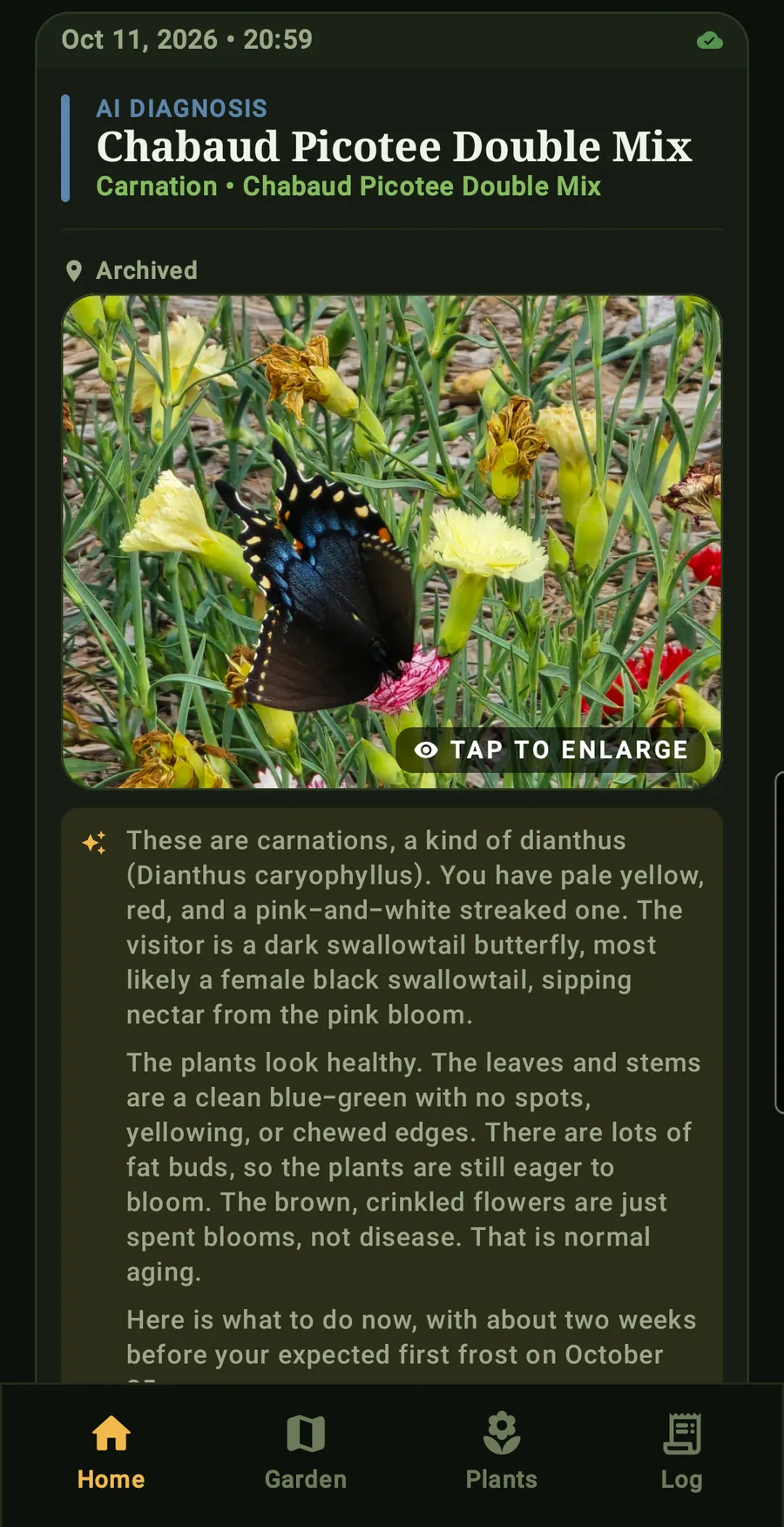
How to join
01
Join the testers' group
Use the Google account that's signed in to your phone's Play Store. Other testers can't see your address.
Join the group02
Opt in on Google Play
Open this with the same account and tap Become a tester. It can take a few minutes after joining the group.
Become a tester03
Install and grow
Install Canopy AI with the same account, create your account in the app, and start with one bed. Keep it installed for 14 days. (If the store says the app isn't available, step 02 hasn't taken yet — give it a few minutes.)
Install from Google Play
Questions, or something broke? Write to support@getcanopyai.com. You can leave the test any time from the same opt-in page; your garden stays in your account.
Who’s building this
I’m Danney, a controls engineer by trade who gardens 10,000 sq ft in zone 4b Minnesota, and I build Canopy AI on my own. After years of losing garden notes to spreadsheets, failed drives and new phones, I built the planner I wanted: dated to your own frost, and engineered like the control systems I design at work. It is just getting started, and I read and answer every message at support@getcanopyai.com.
Read the full story →